



Application Development (Individual Project)
Paint App
Project Background
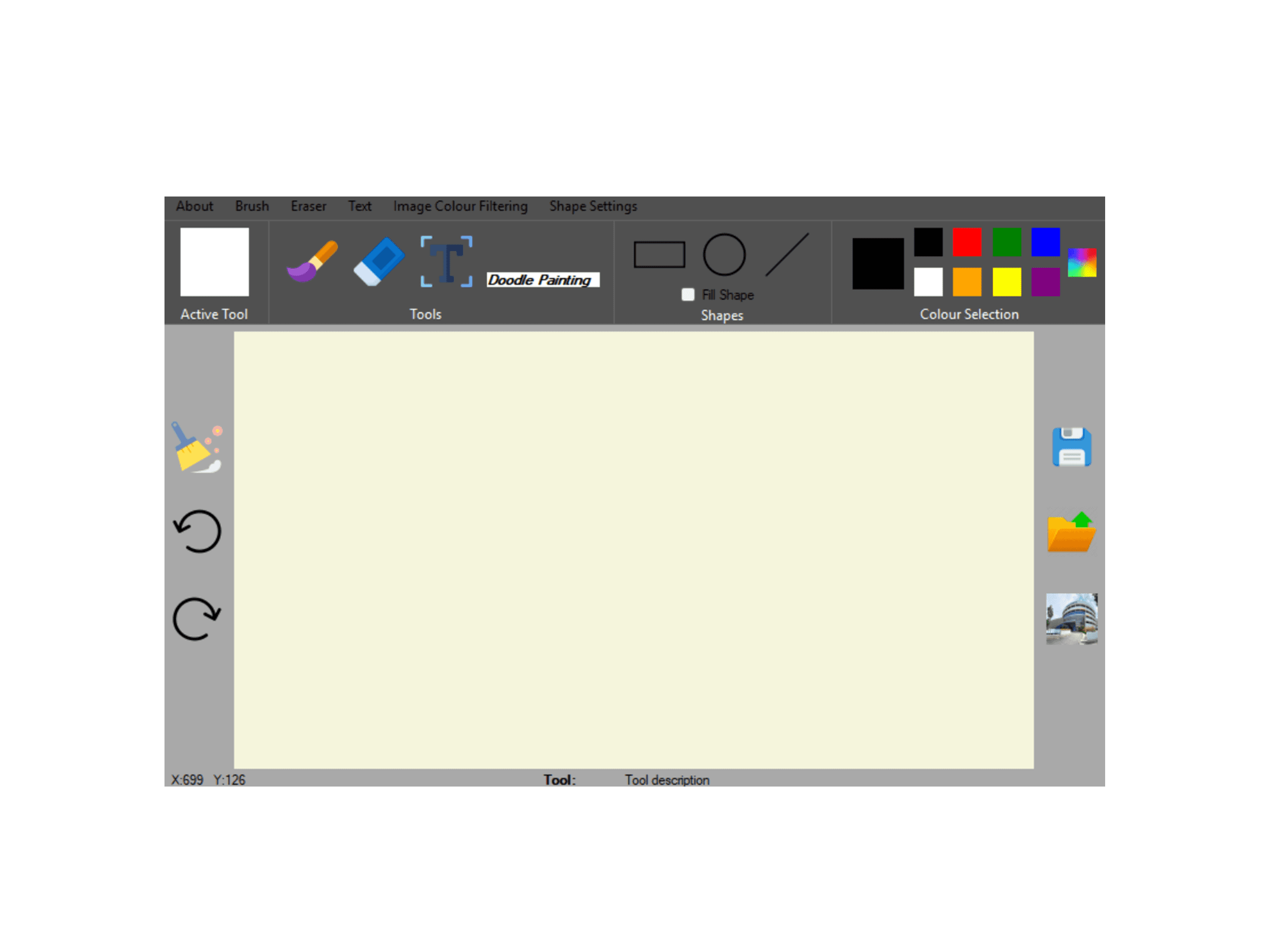
This project is an intuitive, all-in-one drawing application developed using C# WinForms. Designed as a simple yet powerful alternative to standard desktop creative tools, the app focuses on providing a clean interface and an organized layout to help users navigate tools efficiently. It is built to serve both casual users and individuals performing basic creative tasks, offering a seamless experience for functional drawing and image manipulation.
Design Process
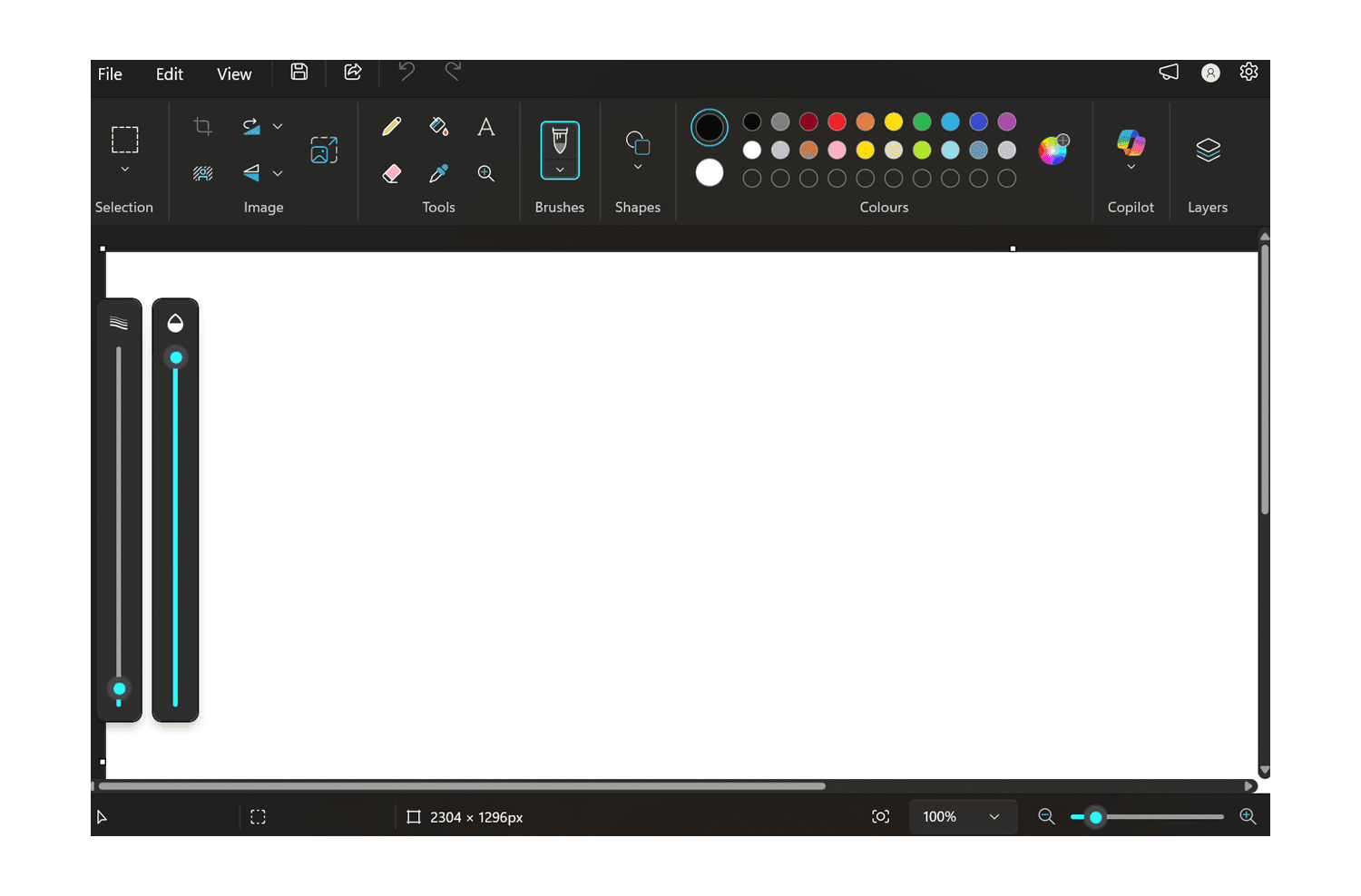
The design process involved a thorough analysis of existing paint applications to identify essential user needs, such as real-time feedback and flexible editing tools. To ensure the application was user-friendly, I prioritized a layout that provides active feedback, such as ticking selected menu options and displaying a tool description bar under the canvas.
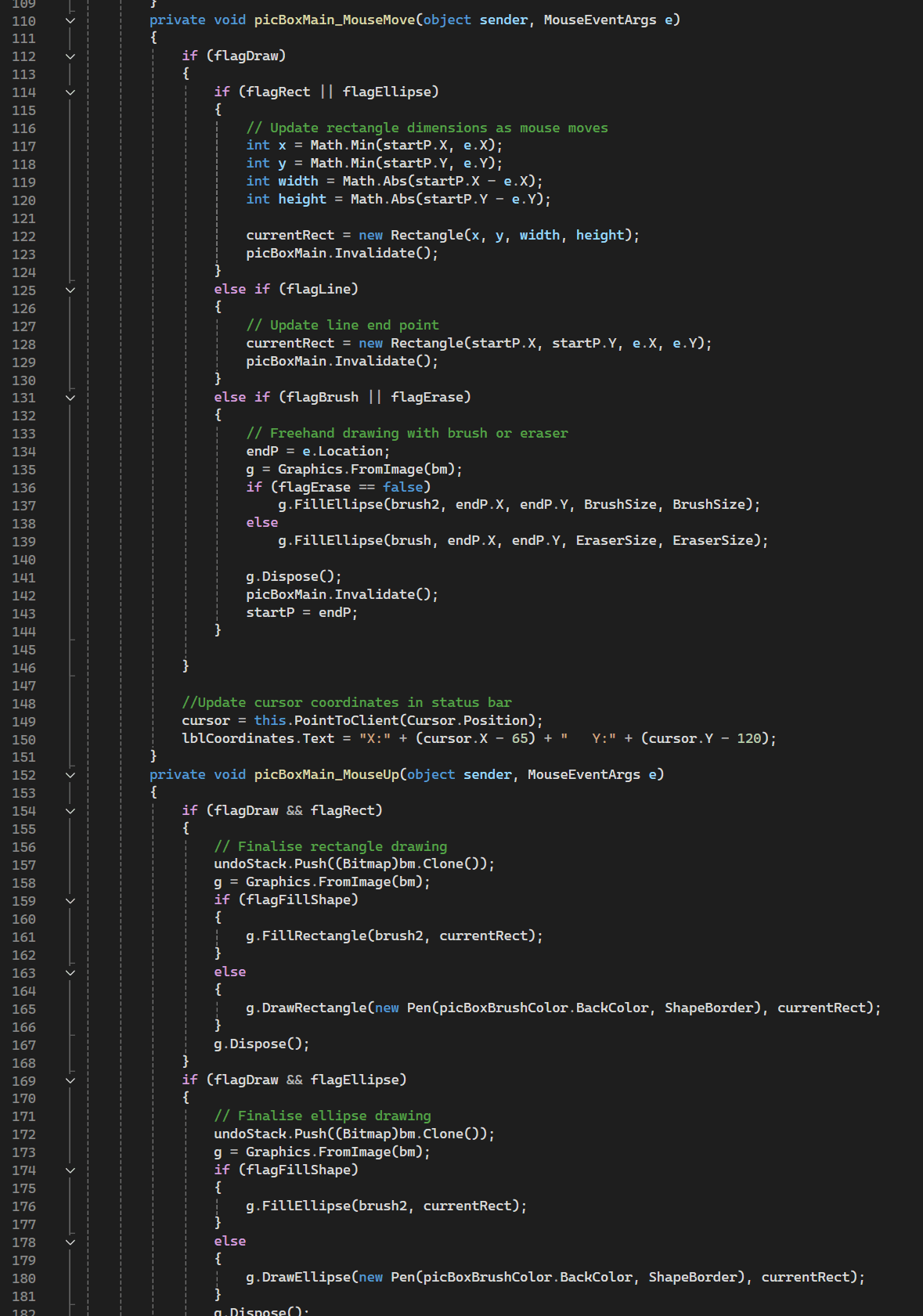
Implementation focused on ensuring smooth code flow, particularly for complex features like Undo/Redo functionality and live shape previews. I mapped out the logical transitions between various modes, such as Brush, Eraser, and Text, to prevent tool confusion and ensure that variables reset or update correctly during mouse events. The final development phase included integrating advanced features like image filtering and coordinate tracking to enhance the technical precision of the tool.
Role & Impact
As the sole developer of this individual project, I was responsible for the entire software development lifecycle, from initial UI/UX concepts to final implementation. My role involved designing an intuitive interface with a dedicated color preview box and coding the core engine from scratch, including complex shape-drawing logic and file management for multiple image formats. I ensured technical reliability by implementing a robust Undo/Redo stack and comprehensive error handling, while authoring all technical documentation and operational guides.
Project Information
Target Audience:
General Public
Category:
Application Development (Individual Project)
Completed on:
4 August 2025
Youtube Video:
Share On: